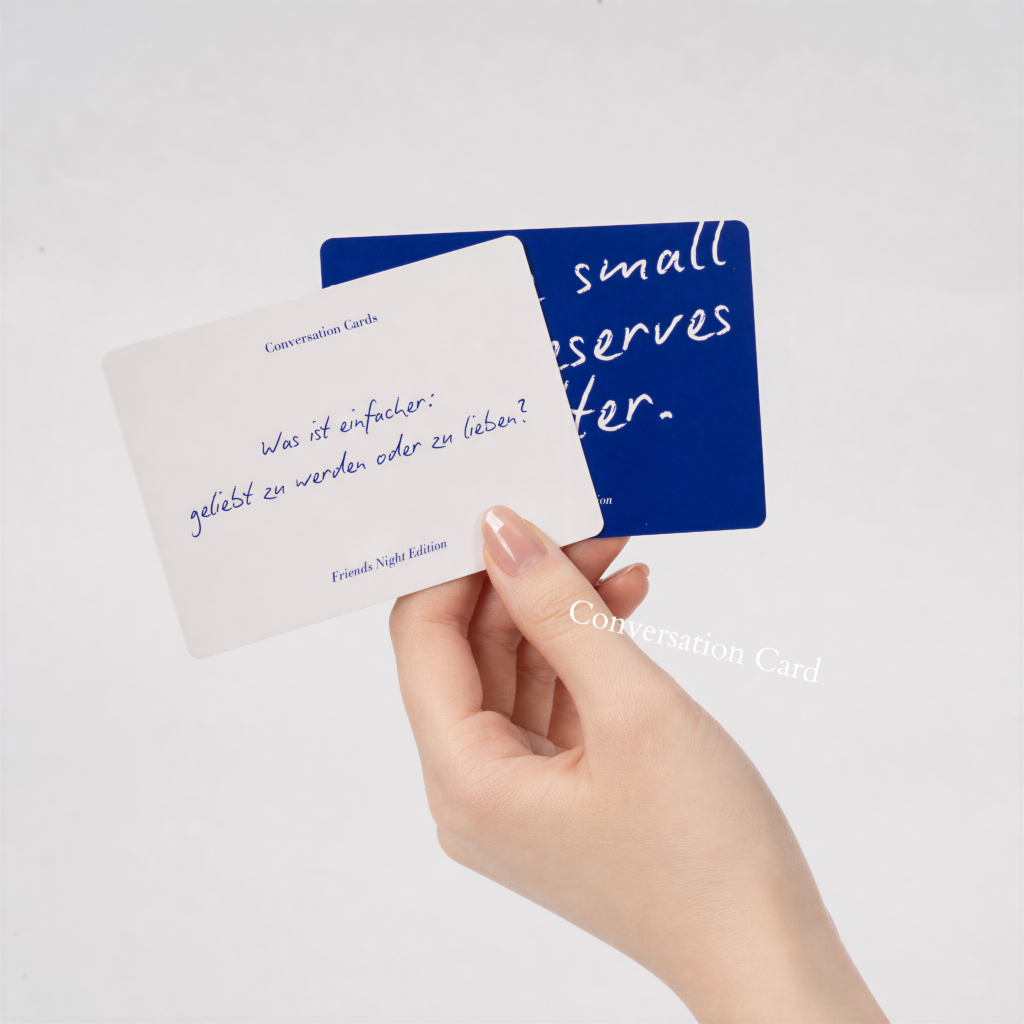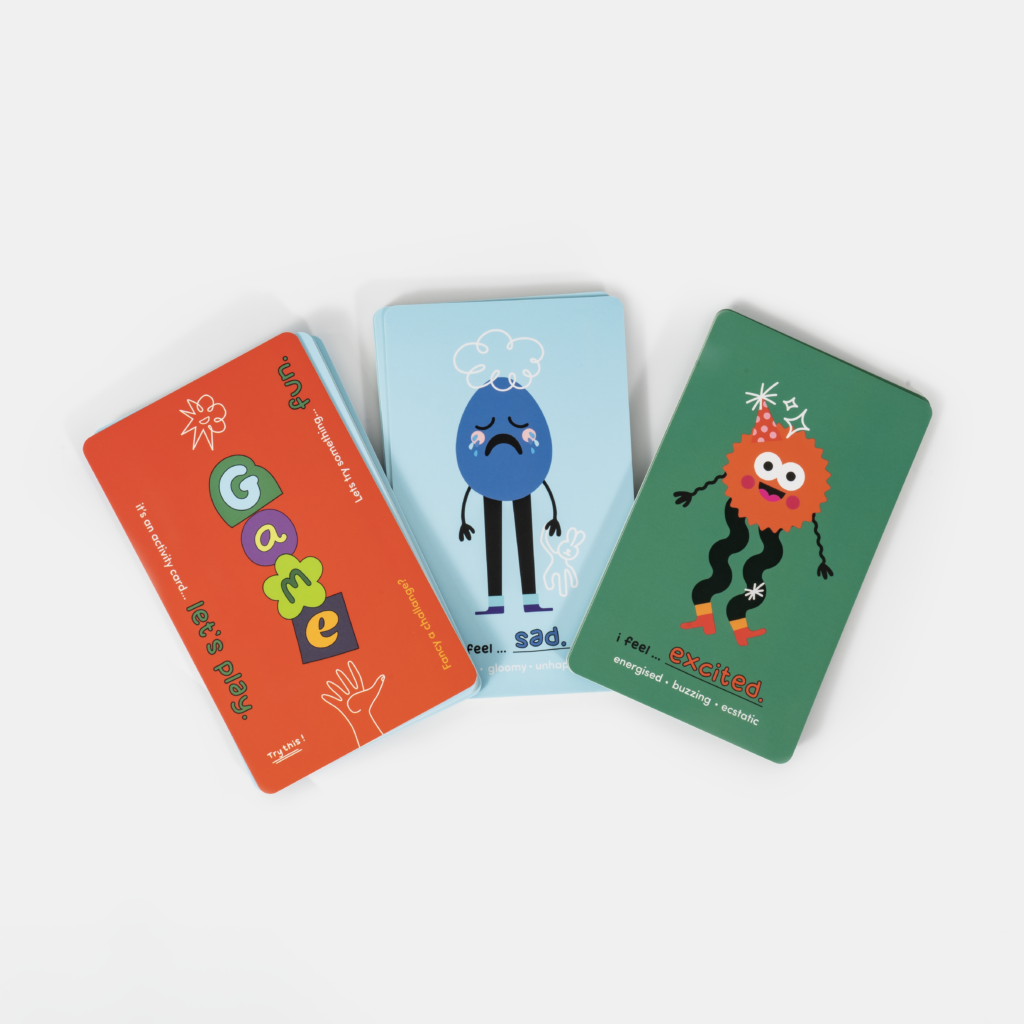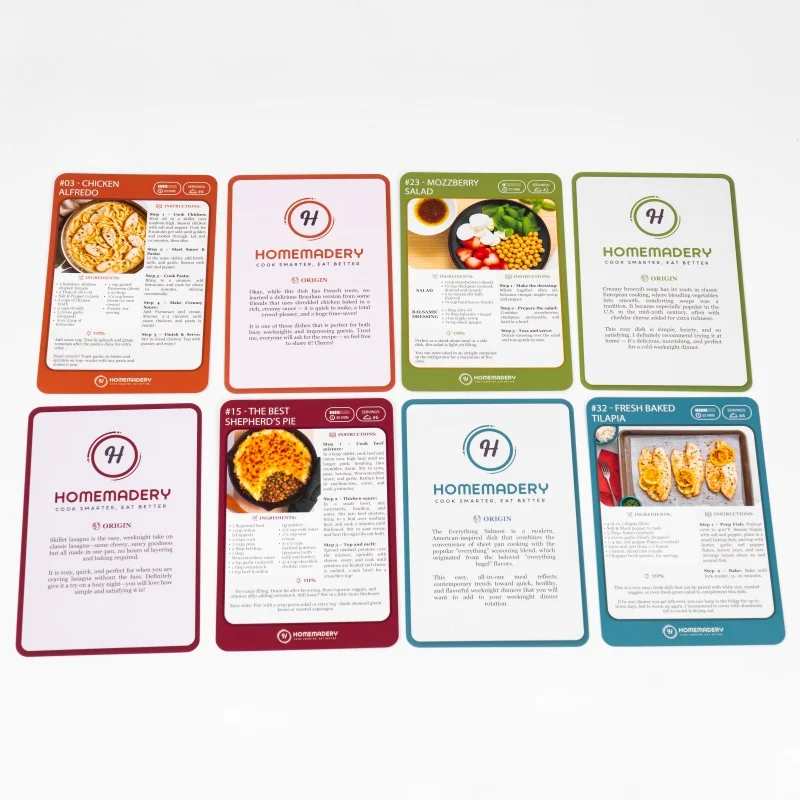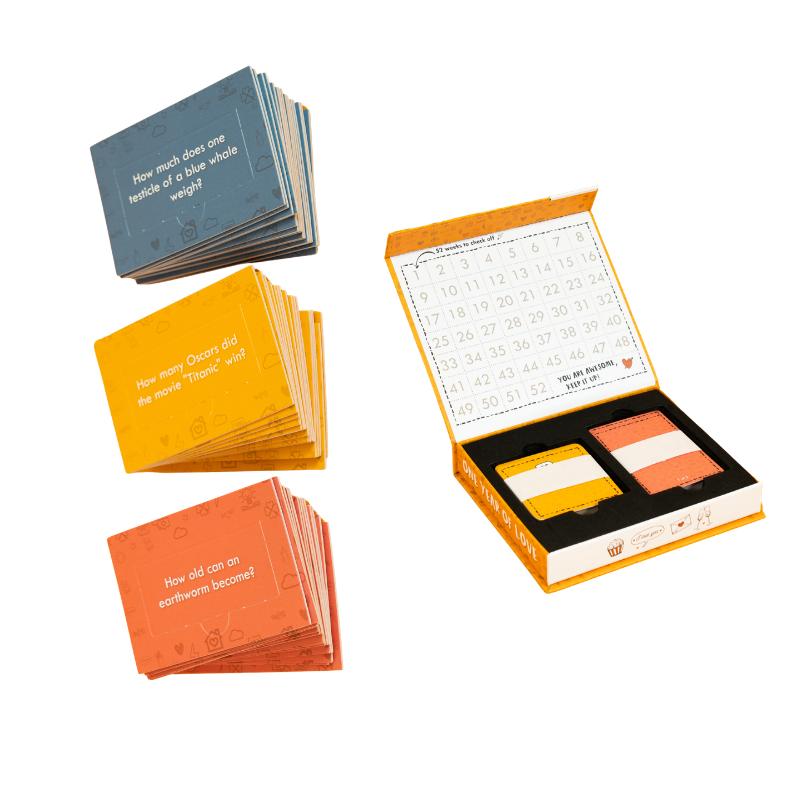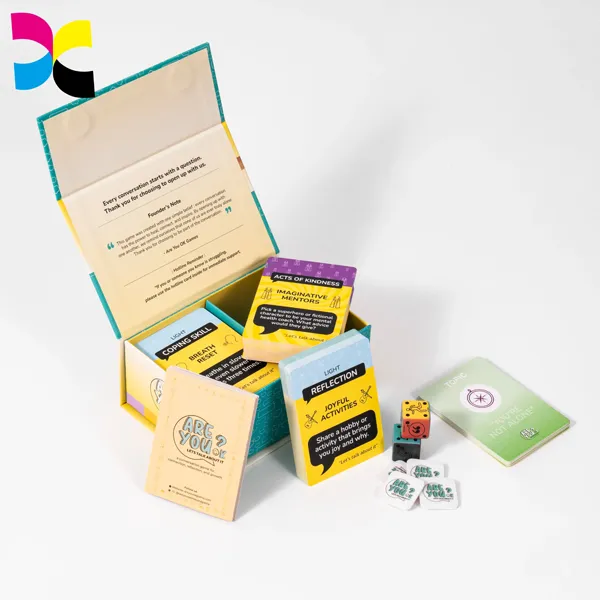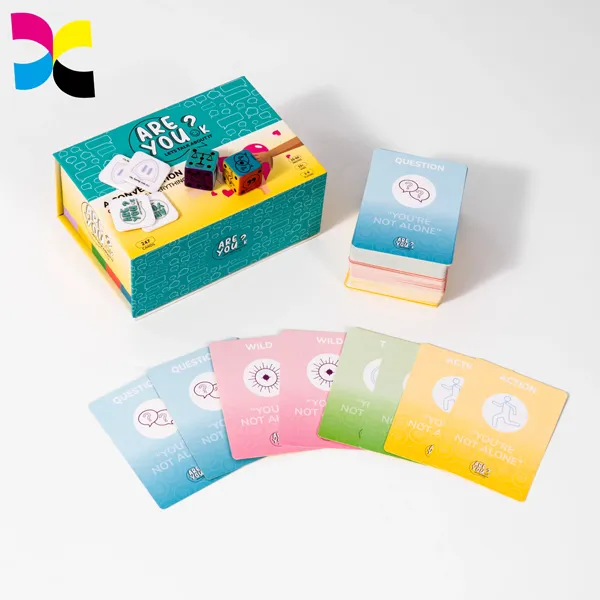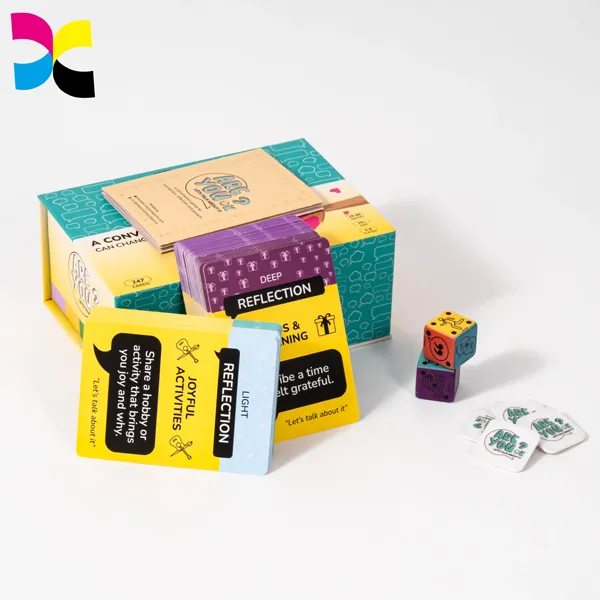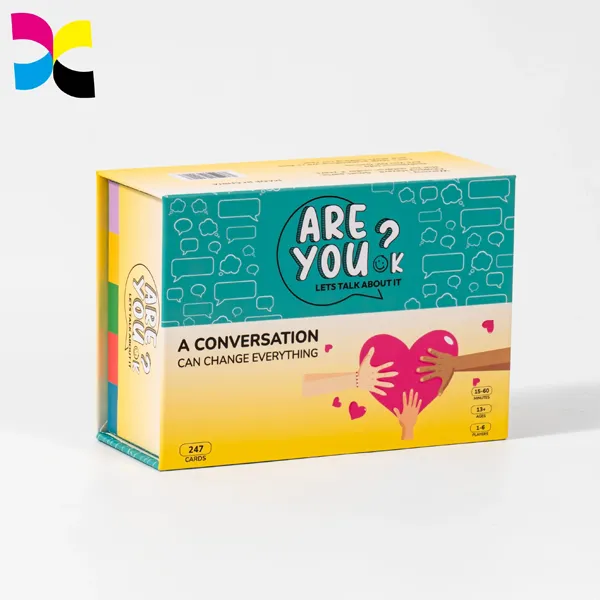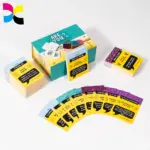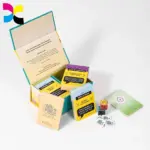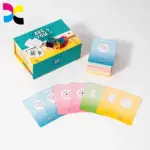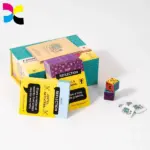
Well-designed affirmation cards can help your brand stand out in a crowded market. To create a deck that connects with your target audience, you need more than attractive graphics. The message, matériels, and visual layout must work together. Without a clear design plan, your cards may look generic and offer little value to customers.
This guide explains how to design a professional affirmation card deck, from choosing the right materials to preparing print-ready files. It covers key decisions, y compris le poids du papier cartonné (300–400 g/m²), CMYK color profiles, typographie, et options de finition. By following these steps, you can create a deck that looks good, works well, lasts through regular use, and reflects your brand.
Build a Clear Visual Direction for Your Affirmation Cards
A clear visual direction gives your affirmation card deck a consistent appearance. Before designing individual cards, decide what overall feeling the visuals should communicate. A calming deck may use soft colors and simple illustrations, while a confidence-focused deck may benefit from stronger colors and bold typography.
Keep the visual system consistent across the entire deck. Use a defined set of colors, fonts, illustration styles, and layout rules rather than creating every card independently. This helps the cards look like parts of one complete product.
Each card should also have one clear visual focus. The main affirmation should stand out, while decorative elements and supporting text should remain secondary. If you need to plan the product concept, public, and affirmation content before designing, see our guide on creating a branded affirmation card deck for sale.
Choose Colors and Illustrations for Affirmation Cards
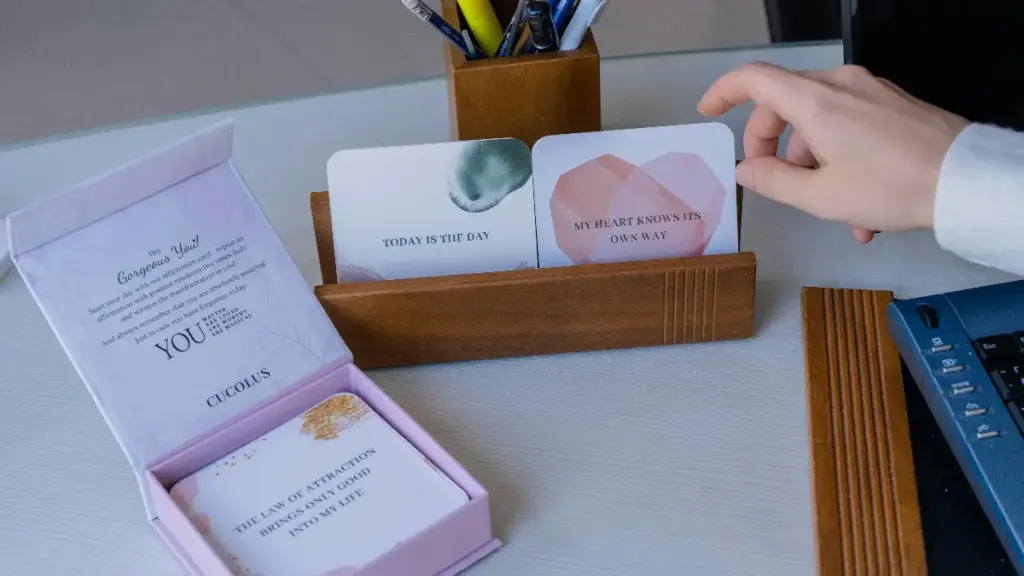
Color helps establish the emotional tone of an affirmation card before users read its message. Choose shades that match the theme of the deck. Soft blues and greens can support a calm, reflective mood, while warm pinks may suit self-love themes. Purple and indigo can work well for spiritual or reflective designs.
A limited palette usually creates a more cohesive result. Start with 2–3 core colors: a primary color, a secondary color, and an accent color. Le 60-30-10 rule can help guide their distribution:
- 60% dominant color: Usually used for backgrounds or large design areas.
- 30% secondary color: Used for text, illustrations, or supporting graphics.
- 10% accent color: Used to highlight selected words, frontières, or small icons.
Neutral shades such as white, off-white, and light gray can provide visual balance and help the main message stand out.
Illustrations and background patterns should reinforce the theme without competing with the affirmation. Watercolor artwork, line illustrations, geometric shapes, and simple symbols can all work, depending on the visual direction. Avoid placing important text over busy images or textures. Strong contrast between the text and background is essential for readability.
Your palette should also be considered in relation to the final printed result. Screen colors may appear different after conversion from RGB to CMYK, so review a physical proof before approving a full print run.
Create Retail-Ready, Premium Affirmation Card Decks
Plan Affirmation Card Layouts
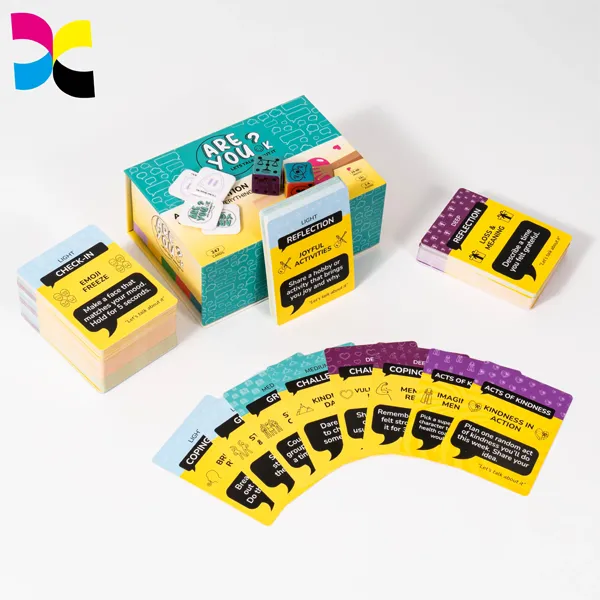
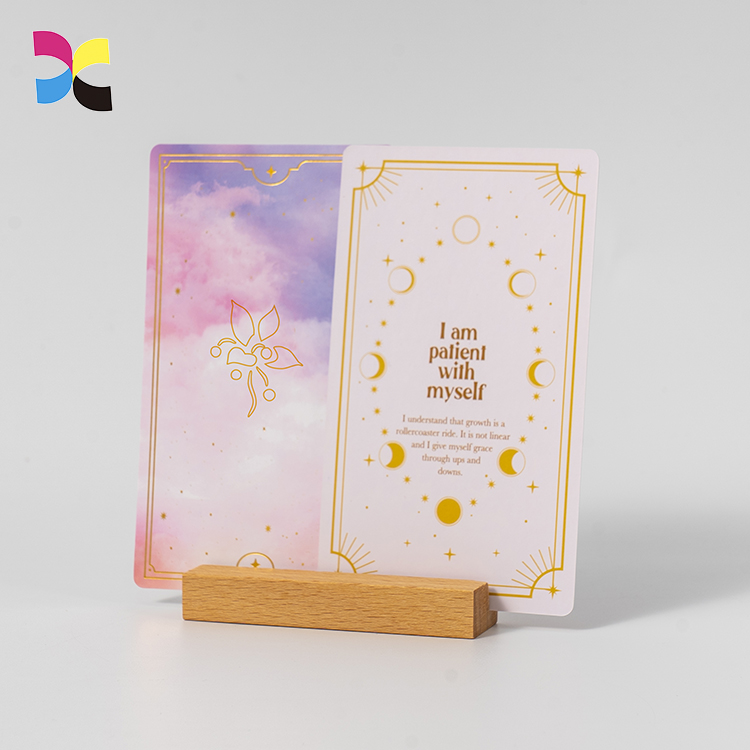
A good card layout guides the reader’s attention toward the main affirmation. The message should be the most prominent element, with illustrations, category labels, and supporting prompts arranged around it.
Use whitespace to prevent the design from feeling crowded. A simple layout can often communicate more effectively than one filled with decorative elements. Keep text alignment and spacing consistent across the deck, whether you choose centered or left-aligned text.
Several layout approaches can work well:
- Centered layout: Places the affirmation in the middle of the card and suits minimalist designs.
- Top-to-bottom layout: Arranges an icon, the main affirmation, and a supporting prompt in a clear reading sequence.
- Split layout: Separates the main message from secondary information, such as a category label or reflection question.
The best structure depends on how the cards will be used. A single-card display design should make the message easy to read at a glance, while a deck intended for browsing may benefit from consistent visual cues that help users identify different themes.
Card dimensions also affect layout decisions. Common examples include Poker size (63 × 88 mm) and taller Tarot-style formats (70 × 120 mm). Larger formats provide more room for illustrations and supporting text, while smaller cards require simpler compositions. For more options, see our guide to card deck sizes for printing and production.
For commercial projects, Impression de cartes Xinyi provides custom card printing solutions for brands developing different card formats and designs.
Choose Readable Fonts for Affirmation Cards
Typography affects both the appearance and usability of an affirmation card. The font should match the deck’s visual tone while keeping the message easy to read.
Limit the design to 1–2 primary fonts. You can pair an expressive serif or decorative font for the main affirmation with a clean sans-serif font for supporting information. Cependant, avoid using too many typefaces or overly elaborate script fonts, as they can make the cards look inconsistent and reduce legibility.
Pay attention to font size and spacing:
- Make the main affirmation the largest text element on the card.
- Use a minimum of 10–12 pt for longer supporting text, such as reflection prompts.
- Set line spacing (leading) to 120–140% of the font size.
- Keep affirmation line lengths short, at around 6–8 words per line.
Placement matters as much as font selection. The main affirmation can sit in the center or upper third of the card’s front, while instructions, reflection questions, or brand information can go on the back. Leave enough whitespace around the text so that each message remains easy to scan.
Before finalizing the design, check how the typography looks at the actual card size. Fonts that appear clear on a large computer screen may become difficult to read when printed on a small card.
Adapt Affirmation Card Designs for Different Uses
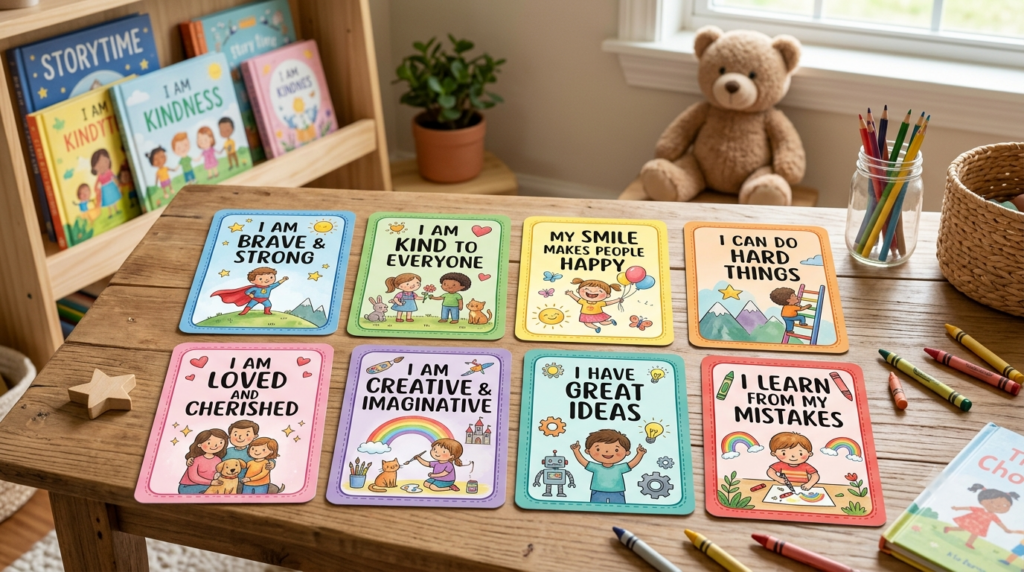
A design that works for one audience may not suit another. Consider how users will handle, read, and display the cards before choosing the visual style.
Personal growth and self-care: Soft colors, minimal illustrations, and uncluttered layouts can create a calm and reassuring appearance. The main message should remain the visual focus.
Corporate and professional settings: Use a clean layout, readable sans-serif fonts, and colors that match the company’s brand identity. Small logos or QR codes can be included when they serve a clear purpose, such as linking to internal wellness resources.
Children and family use: Bright colors, friendly illustrations, and large text can make the cards more engaging. Keep the visual elements simple and easy to recognize. If the cards will be handled frequently, consider rounded corners and protective finishes.
Spiritual and holistic practices: Symbolic imagery, such as moons, mandalas, or geometric patterns, can support a reflective visual style. Larger formats may also provide more room for detailed artwork.
Therapeutic and educational use: Prioritize clear typography, balanced colors, and simple layouts. Inclusive wording and non-distracting visuals can make the cards easier to use during guided activities or learning sessions.
The visual style should always support the intended use rather than rely on decoration alone
Prepare Affirmation Card Files for Printing
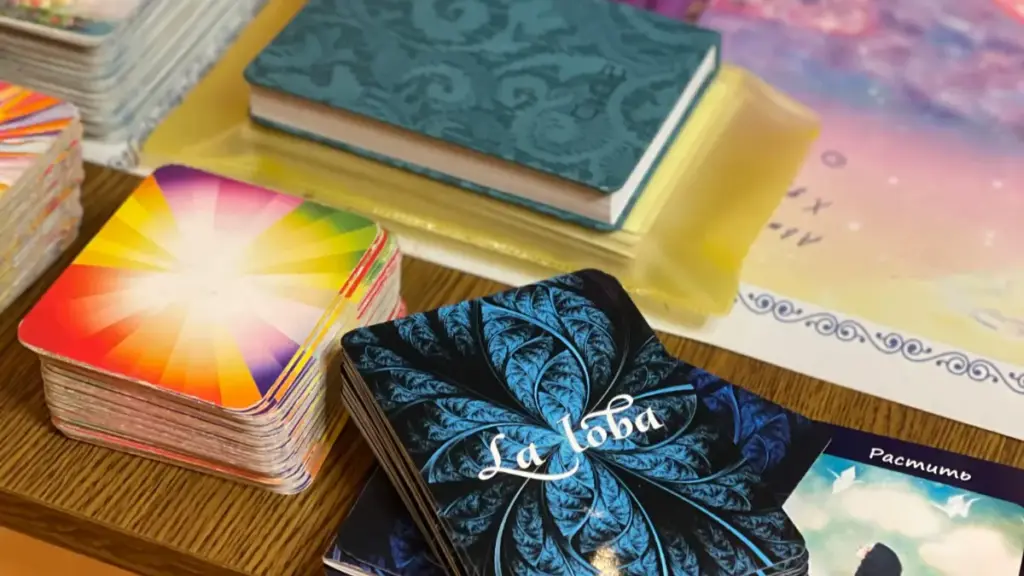
A design that looks good on screen still needs to meet the printer’s technical requirements. Incorrect color settings, images basse résolution, or missing bleed can affect the final result.
Choose Suitable Cardstock and Finishes
For professional affirmation card decks, 300–400 gsm cardstock is a common weight range. For home printables, 250–300 gsm cardstock may be suitable. Double-sided designs can use black core cardstock to reduce show-through.
The surface finish should complement the artwork:
- Mat: Reduces glare and suits calm, minimalist designs.
- Brillant: Enhances color vibrancy and works well with bright artwork.
- Non couché: Creates a natural feel and can be suitable for cards users need to write on.
- Soft-touch: Adds a smooth, velvety texture to premium designs.
Special effects such as foil stamping, Spot UV, relâchement, and debossing can highlight selected design elements. Use them selectively so they do not interfere with text readability.
For a more detailed comparison of material and surface options, read our guide to paper types and finishes for custom affirmation cards.
Set Up Print-Ready Files
Before submitting artwork for commercial printing, check these essential specifications:
| Print Requirement | Recommended Setting |
|---|---|
| Color mode | CMJN |
| Image resolution | 300 PPP |
| Saigner | 1/8 pouce (3 mm) beyond the trim line |
| Safe margin | 1/4 inch from the final card edge |
| File format | High-resolution PDF Print |
Convert artwork from RGB to the required CMYK color profile to reduce unexpected color changes. Extend background images and colors beyond the trim line to prevent unwanted white edges after cutting. Keep important text and graphics within the 1/4-inch safe margin.
Use vector files for logos and icons whenever possible, as they can be scaled without losing sharpness. Before exporting, check spelling, alignement, image quality, and font settings. Embed fonts or convert them to outlines to avoid font substitution.
Always review a physical sample before approving mass production. Check the actual card size, text readability, précision des couleurs, sensation de papier, and selected finishes. If you are developing a complete commercial card set, notre guide to manufacturing custom affirmation card sets explains more about the production process.
Avoid Common Affirmation Card Design Mistakes
Even attractive artwork can become difficult to use when basic design principles are overlooked. Review the following issues before finalizing your deck.
Overloaded layouts: Too many illustrations, bordures décoratives, or text elements can distract from the affirmation. Keep each card focused on one main message and leave enough whitespace.
Weak color contrast: Light text on a pale background or text placed over a busy image can be difficult to read. Use clear contrast and test the design at its actual size.
Inconsistent visual styles: Different fonts, couleurs, and illustration styles across individual cards can make the deck feel disconnected. Follow a consistent design system throughout the set.
Poor typography: Small text, overly decorative fonts, and tight line spacing can reduce readability. Check font size, weight, and spacing before printing.
Ignoring print requirements: Missing bleed, incorrect color modes, and low-resolution images can affect the finished cards. Follow the printer’s specifications and review a physical proof before mass production.
Avoiding these problems early can reduce design revisions and help ensure the printed cards match the approved artwork.
Pensées finales
Designing custom affirmation cards involves more than choosing attractive colors and fonts. The right materials, qualité d'impression, and finishing options also play an important role in creating a professional card deck that reflects your brand.
À Impression de cartes Xinyi, we have specialized in printing and packaging manufacturing since 1998. Our 20,000㎡ production facility and team of over 280 skilled professionals support integrated production, from prepress and printing to finishing and quality control. Equipped with Heidelberg 6-color and Komori 4-color printing presses, we provide custom printing solutions for brands seeking consistent quality and reliable production.
Whether you need custom card sizes, premium cardstock, special finishes, or branded packaging, our team can help turn your design into a finished product. Share your artwork, card specifications, packaging requirements, and estimated order quantity with us. We can review your project, recommend suitable production options, and provide a quotation based on your needs.
Foire aux questions
How do you design affirmation cards?
To design effective affirmation cards, align the purpose, wording, and visuals. Start by defining your theme and audience, then write short, believable affirmations in the present tense. Use readable fonts, a simple layout, and colors or images that support the message without creating clutter. Enfin, choose a practical size based on how the cards will be used, whether for daily carrying or display.
Quelle doit être la taille des cartes d'affirmation?
Affirmation cards are typically small and handheld to be portable and easy to read. Common sizes include 2.5″ x 3,5″ (similar to playing cards), 3″ x 3″ (square), and larger 4″ x 6″ formats for display. The best size depends on the intended use, such as a pocket-sized deck for daily routines or a larger card to keep on a desk.
What colors work best for affirmation cards?
The best colors for affirmation cards support the emotional tone of the message, such as calm, motivation, or self-love. Doux, muted palettes like pastels (blues, greens, pinks) and neutrals (cream, light gray) are highly effective because they are calming and keep text readable. High-energy colors like red or bright yellow are best used sparingly as accents to avoid causing visual stress.
How do I create a card deck design?
Creating a card deck design involves defining the content, creating the visuals, and preparing files for production. This process includes clarifying the deck’s theme, writing the affirmations, choosing a card size and material, designing a cohesive look for the fronts and backs, and setting up print-ready files with correct color modes (CMJN) and bleed.
What software is used for card design?
A variety of software can be used for card design, depending on your needs. Template-based tools like Canva are great for beginners and quick designs. For professional decks intended for commercial printing, designers use suites like Adobe InDesign and Illustrator for precise layout and color control. For DIY projects, vector tools like Inkscape are often used with cutting machines.
Can manufacturers help with card design?
Oui, manufacturers can help with the technical aspects of card design. They typically provide design templates, die-lines for boxes, and guidance on print-ready file setup (like CMYK color and bleed). They can also advise on the best cardstock, finitions, et options d'emballage. Cependant, they do not usually assist with the creative content, such as writing the affirmations or creating the brand concept.