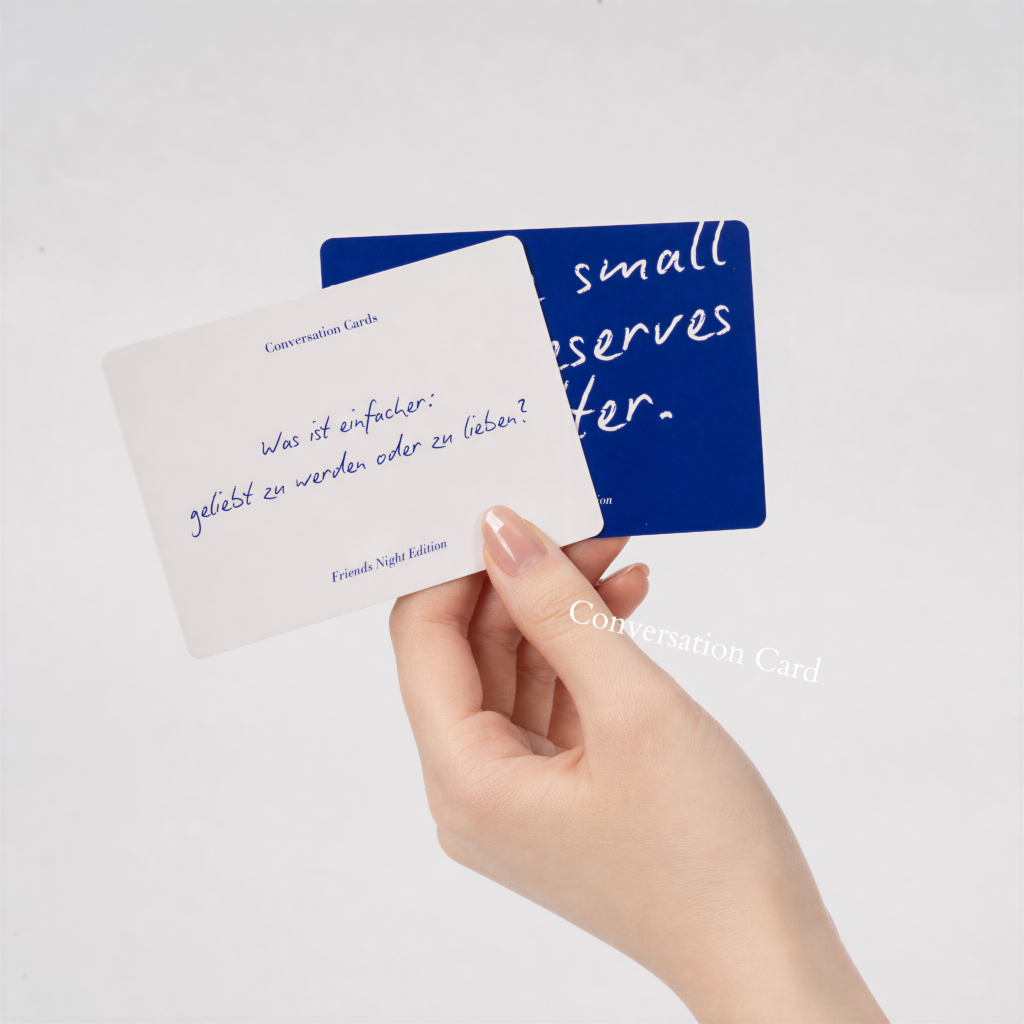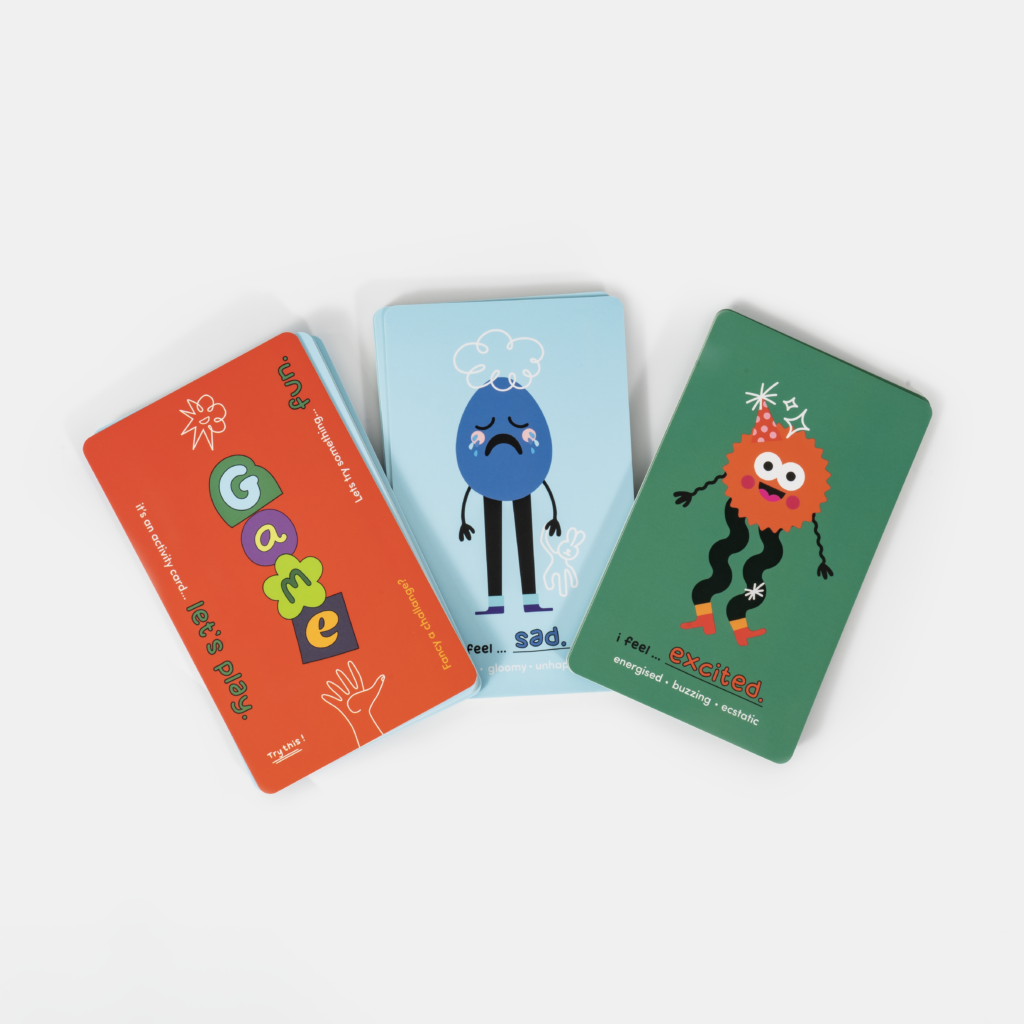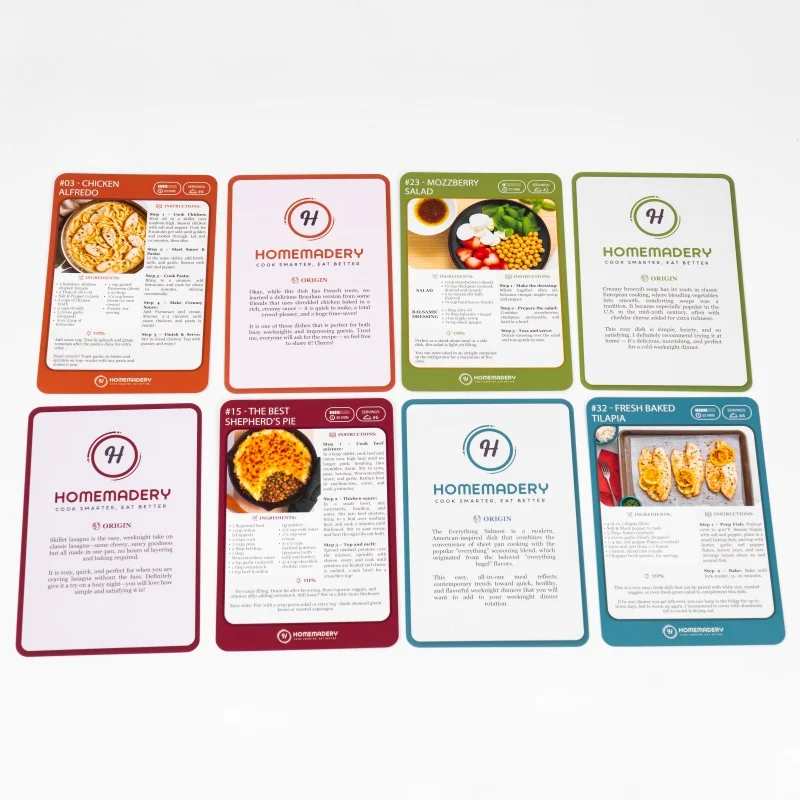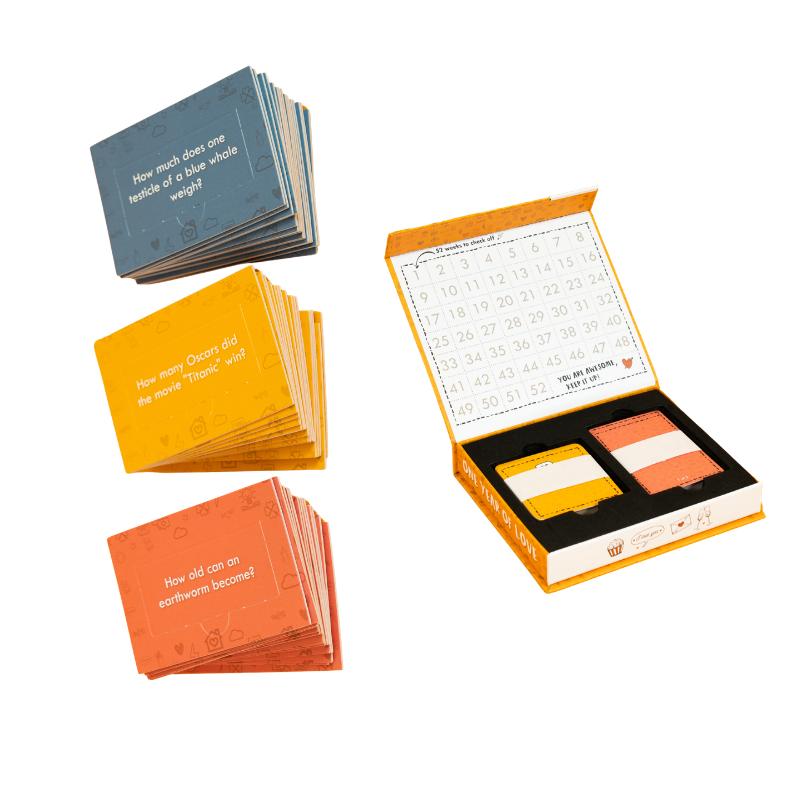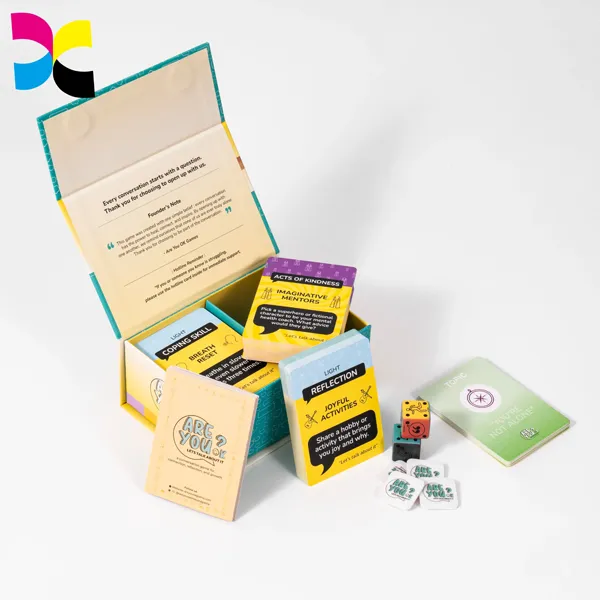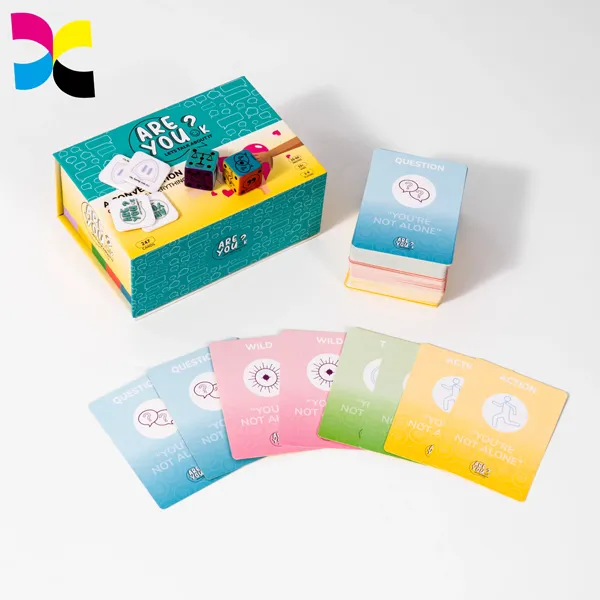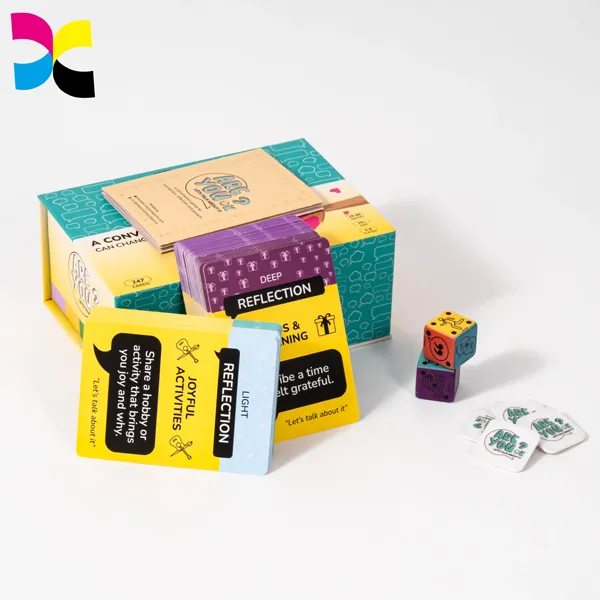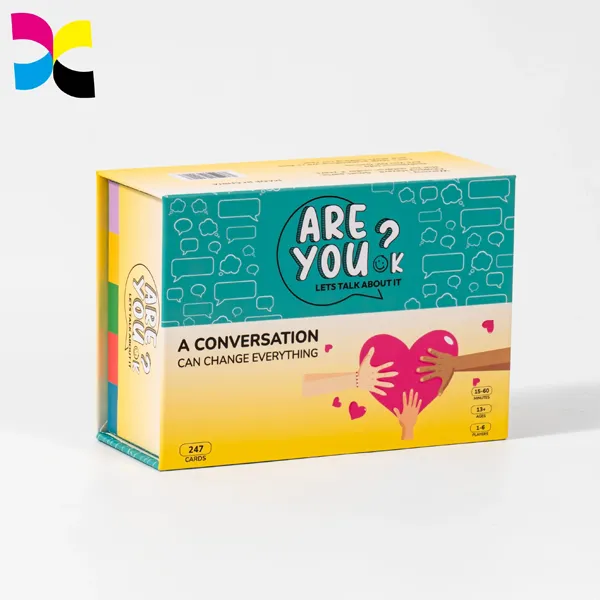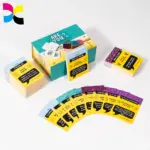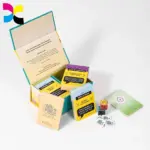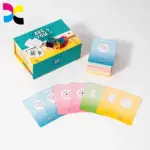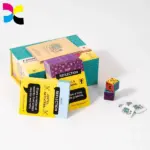
Well-designed affirmation cards can help your brand stand out in a crowded market. To create a deck that connects with your target audience, you need more than attractive graphics. The message, 재료, and visual layout must work together. Without a clear design plan, your cards may look generic and offer little value to customers.
This guide explains how to design a professional affirmation card deck, from choosing the right materials to preparing print-ready files. It covers key decisions, 카드지 무게 포함 (300–400gsm), CMYK color profiles, 타이포그래피, 그리고 마무리 옵션. By following these steps, you can create a deck that looks good, works well, lasts through regular use, and reflects your brand.
Understanding Effective Affirmation Card Design
Effective affirmation card design balances a clear message with cohesive visuals and practical materials, turning a simple card into a functional tool for personal growth.
Crafting the Core Message and Purpose
The message is the foundation of an affirmation deck. If the words do not connect with the user, even a well-designed card may end up being little more than decoration. Each statement should feel encouraging and believable while supporting the mindset or behavior you want to promote.
- Define a clear purpose. Before writing the affirmations, decide whether the deck will support general personal growth, help users manage anxiety, or serve as a coaching tool. This purpose will guide the tone and content of every card.
- Write short, positive affirmations in the present tense. Each card should communicate one clear idea. 예를 들어, “I am calm and capable” is easier to remember and repeat than a long, complex sentence.
- Keep the language authentic. Avoid claims that feel too far removed from the user’s current experience. An affirmation should feel believable and encouraging rather than unrealistic.
- Connect affirmations with actions for coaching. For decks designed for coaches or therapists, link the message to a specific behavior or situation. 예를 들어, “When I feel overwhelmed, I pause and take one deep breath” gives users a practical action to follow.
Establishing a Cohesive Visual Language
Once the message is clear, the visual design should support it. A consistent design system makes the deck look professional and helps the visuals match the tone of the affirmations.
- Put readability first. The affirmation should be the main focus. Use clear fonts, simple layouts, and enough space around the text. If users have to struggle to read a message, the design is not doing its job.
- Choose colors that match the intended feeling. A deck designed to help users feel calm might use soft blues and neutral tones, while a deck focused on personal growth could use greens and earthy colors.
- Use backgrounds and symbols with care. Muted backgrounds and simple symbols can give the deck character, but they should not compete with the text. A light watercolor background or a small line-art icon may work better than a busy photograph.
- Keep the design consistent across the deck. Use the same typography rules and layout structure on every card. This helps the deck look like a complete product rather than a collection of unrelated images and quotes.
Choosing the Right Format and Materials
The physical card is just as important as its design. Its size, 느끼다, and durability affect how users handle it and where they choose to keep it.
- Choose a practical card size. Common formats such as 3×5 or 4×6 inches are popular because they offer enough space for readable text while remaining easy to carry or place on a desk.
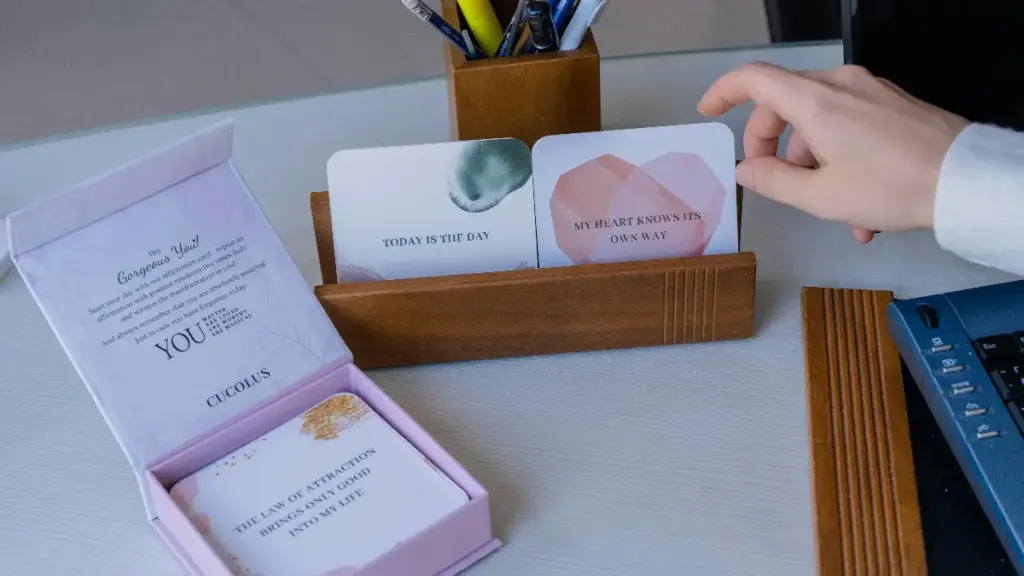
- Choose quality cardstock with a matte finish. Medium-to-heavy cardstock gives the deck a sturdy, premium feel. Matte finishes are often preferred to gloss because they reduce glare and make text easier to read under different lighting conditions.
- Check readability on digital devices. If you are creating digital cards, test them on a small mobile screen. Strong contrast between the text and background is essential when the cards are used as phone wallpapers or displayed in social media feeds.
- Add features for frequent use. Rounded corners can help reduce wear on decks used every day. Lamination is another option for protecting cards from regular handling.
Designing for User Interaction and Daily Use
Affirmation cards are often used to build a daily habit. The design should make this routine easy to follow and encourage users to return to the deck.
- Plan the deck around daily practice. A deck of 30 cards can support a month-long challenge and encourage regular use. Choose the card count based on how people are expected to use the product.
- Use visual cues to organize themes. If the deck covers several topics, use subtle color coding or symbols to identify categories such as “Confidence,” “Rest,” 또는 “Abundance.” This helps users find a relevant card quickly.
- Design for different display locations. Cards may be placed on a bathroom mirror, propped up on a desk, or kept on a car dashboard. The main message should remain clear and readable from a short distance.
- Include a guide card. Do not assume that users will know how to use the deck. A simple instruction card can suggest activities such as drawing a card each morning or using an affirmation as a journaling prompt.
Choosing Colors and Visual Identity
Your affirmation deck’s visual identity hinges on a color palette that aligns emotional tone with your audience, ensuring readability and a strong brand from screen to print.
Color does more than decorate a card. It helps set the mood before users read the words. A suitable palette can make a deck feel calm, uplifting, or energetic, while a poorly matched one can make the design feel confusing.
Understanding Color Psychology and Emotional Tone
Choose colors that match the feelings your affirmations are meant to support. A deck designed for anxiety relief might use blues and soft greens, which are often associated with calm and stability. A deck focused on spiritual growth might use purples and indigos, while one centered on self-love could feature soft pinks.
Your choices should also reflect your target audience. A corporate wellness program may call for clean blues and grays, while a spiritual or creative audience may prefer more artistic colors and symbolic imagery.
A consistent color scheme across the cards, 포장, and marketing materials also helps build brand recognition. 시간이 지남에 따라, customers should be able to associate your signature colors with the style and purpose of your deck.
Building a Cohesive Color Palette
Using too many colors can make a deck look busy and inconsistent. A more focused palette usually creates a clearer design. Start with 2–3 core colors: a primary color, a secondary color, and an accent color.
You can use the 60-30-10 rule to guide the balance. The dominant color covers about 60% of the design, such as the background. The secondary color accounts for 30%, such as text or key graphics, while the accent color makes up about 10% and highlights selected words or small icons.
Neutral colors such as white, off-white, and light gray can also help keep the layout clean. They allow the affirmation to remain the main focus and make the text easier to read.
Ensuring Readability and High Contrast
Readability is essential to a successful affirmation card. If the message is difficult to read, the card cannot serve its purpose effectively.
Use strong contrast between text and background. Dark text on a light background and light text on a dark background are generally reliable choices. Avoid placing text over busy patterns or textures unless a solid or semi-transparent overlay separates the text from the background.
Some combinations, such as pastel yellow text on cream or light gray text on white, can be difficult to read. Before finalizing the palette, use online contrast checkers to see whether your color combinations meet accessibility standards. This helps make the deck easier for more people to use.
Integrating Typography, Imagery, 및 완료
Color should work with the other elements of your visual identity. Font choices need to match the deck’s tone. A soft serif font may suit a self-love theme, while a clean sans-serif font can support a design focused on clarity and concentration.
The illustration style also matters. Whether you choose watercolor, line art, or geometric shapes, the visuals should support the message rather than compete with it.
마지막으로, choose a card finish that works with the palette. Matte or soft-touch finishes can complement calm colors and reduce glare. Dark, bold palettes using colors such as black or navy may work well with foil accents or gloss finishes when you want a more luxurious look.
Navigating Print Production and Color Accuracy
The colors on your screen may not look the same when printed. Digital designs usually use RGB, while commercial printing commonly uses CMYK. To get more predictable results, convert your design files to the required CMYK color profile before sending them to your printer.
Bright RGB colors may look less vivid after conversion and printing. Planning your palette with the limits of CMYK in mind can help reduce unexpected color changes.
A physical proof is also important. Order a test print or sample deck to check the colors on the actual cardstock with the selected finish. 매트, soft-touch, and glossy surfaces can affect how bright or saturated colors appear. Finding a mismatch on a sample is much less costly than discovering it after a full print run.
Create Retail-Ready, Premium Affirmation Card Decks
Planning the Card Layout and Visual Hierarchy
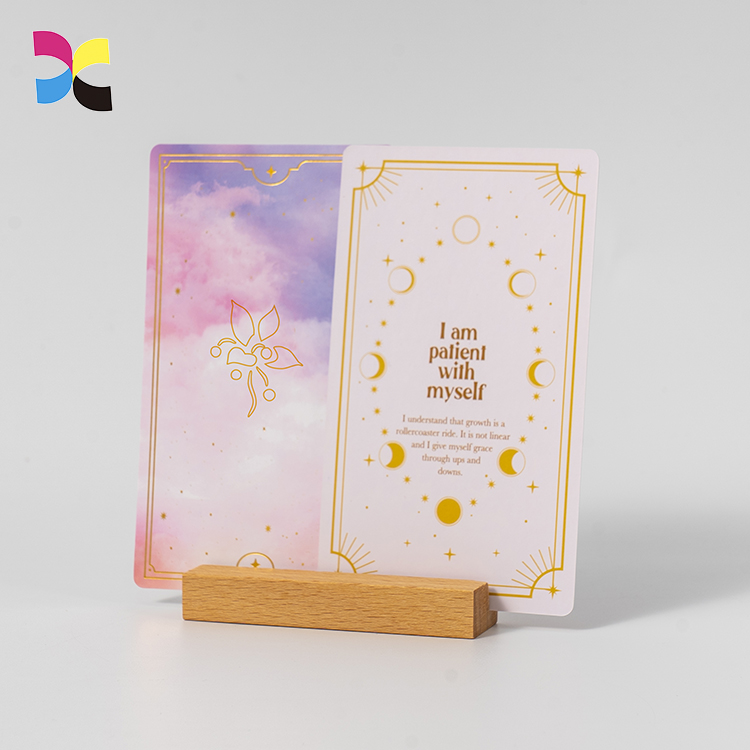
An effective affirmation card layout uses a clear visual hierarchy and enough whitespace to present one message that readers can understand at a glance.
Establishing a Clear Visual Hierarchy
A card’s layout should guide the reader’s eye toward the most important information. Good design is not just about appearance. It also makes the message easier to understand and remember. Clear structure and thoughtful spacing help achieve this goal.
- Give each card one focused affirmation. This helps users understand the message quickly without having to process several ideas at once.
- Use generous whitespace to keep the design calm and easy to read. This reduces visual clutter and gives the card a clean, premium appearance.
- Make the main affirmation the focal point. Supporting details, such as a category tag or reflection prompt, should be smaller and less prominent.
- Use a consistent alignment system, such as centered or left-aligned text, across the entire deck. This creates a consistent visual rhythm and keeps the cards organized.
Choosing an Effective Layout Structure
The right layout depends on how the cards will be used. Consider whether each card should present one idea for focused reflection or help users browse a larger collection.
- A simple top-to-bottom layout works well for arranging an icon, the main affirmation, and a closing prompt or call to action in a clear sequence.
- Centered layouts are especially suitable for minimalist cards. Their symmetry creates a balanced, reflective feel that supports the purpose of the affirmation.
- A split-hierarchy layout can separate the main affirmation from supporting information, such as a mood tag or journaling question.
- Use a single-card, full-screen view when the goal is focused attention. For collections that users need to browse, a uniform grid makes it easier to scan and select cards.
Integrating Visual and Interactive Elements
Visuals and interactive elements should support the message rather than compete with it. Each element should have a clear purpose, whether it sets the emotional tone or helps users interact with the card.
- Choose readable fonts and harmonious colors that provide strong contrast between text and background. Readability should always come first.
- Add a simple icon or subtle illustration to reinforce the card’s emotional tone. The visual should support the message, not dominate it.
- For digital cards, use subtle motion or tap feedback to make interactions feel responsive. These small details can improve the user experience.
- Make tap targets large enough for comfortable use on mobile devices. Arrows, 프롬프트, and other interaction cues should also be easy to see.
Key Differences for Print and Digital Layouts
Each format has its own design requirements. A layout that works well on screen may not produce the same results in print if physical production requirements are overlooked.
- For printed cards, set safe margins to prevent important text and graphics from being cut off during trimming. A 0.25-inch margin is a common safe zone.
- Extend background colors and images beyond the final trim line. This bleed helps prevent unwanted white edges if the cards are not cut in exactly the right position.
- For digital cards, use a responsive layout that adapts to different screen sizes and orientations without making the content difficult to read.
- In apps, combine affirmations with interactive features, such as reflection prompts or category tags, to encourage engagement in ways that printed cards cannot.
When planning a physical deck, review our guide to card deck sizes for printing to understand how dimensions affect readability, 유용성, and production.
Typography and Content Placement Tips
Effective affirmation card typography combines an appropriate emotional tone with easy reading. A clear hierarchy, generous whitespace, and strong contrast help users understand the message quickly.
Choosing the Right Fonts and Pairings
Typography helps establish the overall mood of a card deck. The goal is to create a consistent visual system rather than simply choose attractive typefaces.
- Limit the design to 1–2 primary fonts. This helps maintain visual consistency and prevents the cards from looking cluttered or unprofessional.
- Create a clear hierarchy by pairing an expressive font for the main affirmation with a simple, readable sans-serif font for supporting text.
- Match the typography to the emotional tone of the deck. 부드러운, rounded fonts can create a calm feeling, while strong, bold fonts can support messages about confidence and empowerment.
- Prioritize legibility. Choose fonts that remain easy to read at small sizes, and avoid overly intricate script fonts that may become difficult to read in print.
Optimizing Readability with Size and Spacing
Text size and spacing are just as important as font choice. The right settings help users read the message comfortably without unnecessary effort.
- Make the main affirmation the largest text element on the card. This establishes a clear focal point and emphasizes the message.
- Use a smaller font size for longer supporting content on the back, such as reflection prompts. A minimum of 10–12 pt is a useful guideline for readability.
- Set line spacing (leading) to 120–140% of the font size. This gives the text enough room and makes it easier to read.
- Keep affirmation line lengths short, at around 6–8 words per line. This makes the message easier to scan and understand.
Strategic Content Placement and Layout
A balanced layout feels calm and deliberate. It guides the reader’s attention toward the main message without unnecessary distractions.
- Place the main affirmation in the center or upper third of the card’s front for immediate visual impact.
- Reserve the back of the card for supporting content, such as instructions, reflection questions, or brand information. This keeps the front uncluttered.
- Leave enough whitespace around the text. This creates a clean appearance and helps the affirmation stand out.
- Keep margins and text alignment consistent across the entire deck, whether you choose centered or left-aligned text. Consistency gives the finished product a more professional look.
Ensuring Legibility with Color and Contrast
Readers should be able to understand an affirmation quickly. Strong contrast is essential to making that possible.
- Make sure the text color contrasts clearly with the background. The affirmation should be easy to read at a glance.
- If you use a textured or image-based background, place the text over a less detailed area. A subtle, semi-transparent overlay behind the text can also improve readability.
- Avoid thin, light-colored fonts over complex or high-contrast patterns. These combinations can make the text difficult to read.
Preparing and Testing Your Design for Print
A design that looks good on screen may not work as well when printed. Testing helps identify problems before production and supports a more consistent final result.
- Keep all important text and design elements within the designated safe zone to prevent them from being cut off during trimming.
- Export the final files as print-ready PDFs. Make sure fonts are embedded or converted to outlines to prevent unwanted font substitutions during printing.
- Always print a physical sample. This is the most reliable way to check font sizes, 색상 정확도, and readability at the actual card size.
- If you use special finishes such as foil or embossing, check that they do not obscure the typography. Even an attractive foil detail can make thin text difficult to read.
Designing Cards for Different Audiences
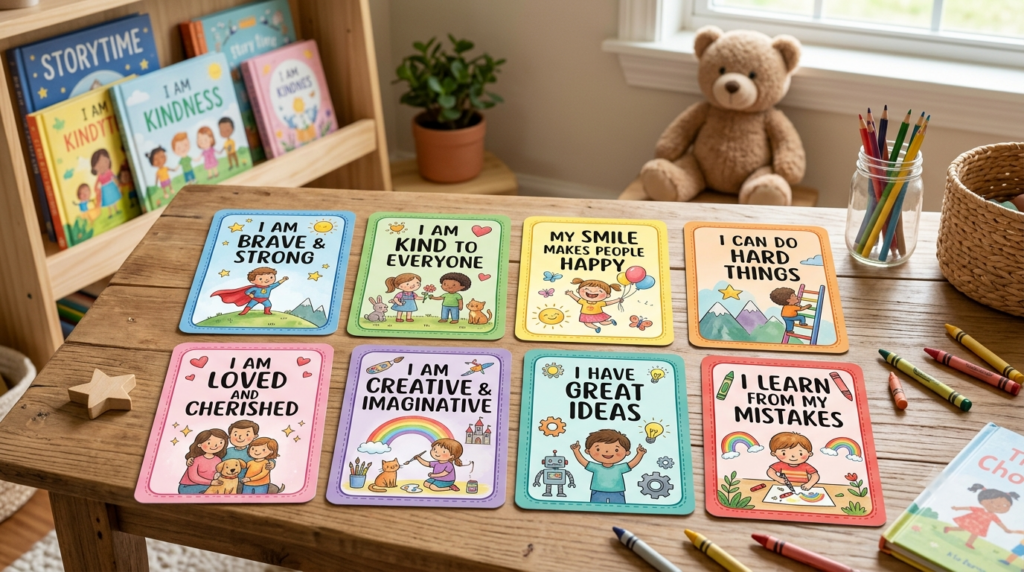
Effective card design isn’t one-size-fits-all. You must align the message, 영상, and physical format with the specific needs and daily habits of each target audience.
A design that works for a CEO attending a leadership workshop may not suit a child learning about kindness. The intended use should guide every design decision, from the wording to the choice of cardstock. Understanding these differences helps you create a product that feels relevant to its users rather than generic.
Cards for Personal Growth and Self-Care
Personal growth and self-care cover a broad audience, so the design should address common needs such as self-acceptance, 회복력, 그리고 마음챙김. Soft colors and minimal graphics can create a calm, reassuring look without distracting from the message.
For practical everyday use, standard sizes such as 2.5 엑스 3.5 inches or 3.5 엑스 5 inches are easy to handle and place on a desk or mirror. The card’s texture also matters. Matte or linen cardstock can provide a warm, tactile feel that encourages regular use.
Cards for Corporate and Professional Settings
In corporate settings, affirmation cards often focus on professional development rather than general wellness. The messages may address confidence, leadership, 팀워크, and performance.
The design should look clean and professional, using company brand colors and readable sans-serif fonts. A business-card-sized format is practical because employees can keep the cards in a wallet or desk holder.
The cards can also include functional elements, such as subtle logos or QR codes that link to internal wellness resources or training portals.
Cards for Parents and Children
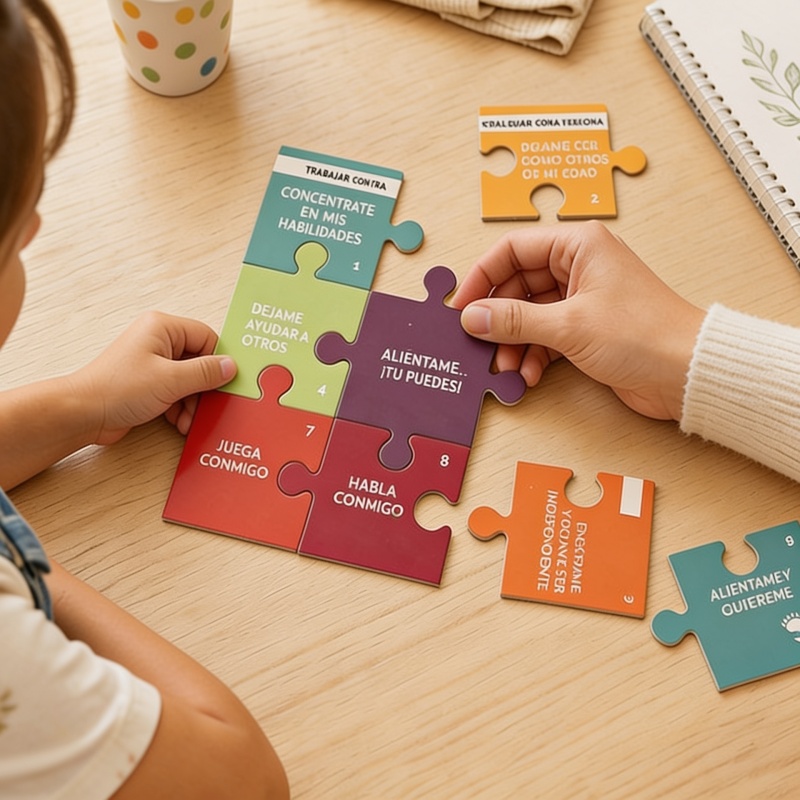
When designing affirmation cards for children, simplicity and durability are essential. The wording should be concrete, easy to understand, and simple to repeat during bedtime or morning routines.
밝은, friendly colors and playful illustrations, such as animals, stars, and hearts, can make the cards more engaging. Because children may handle the cards frequently, choose thicker cardstock, round the corners to reduce wear, and add wipe-clean lamination. 크기가 큰, readable text is also important for young users.
Cards for Spiritual and Holistic Practices
People who use affirmation cards for spiritual or holistic practices may want a more reflective, ritual-based experience. The messages can focus on themes such as intuition, 조정, 치유, and surrender.
Symbolic imagery, including mandalas, moons, and sacred geometry, can support the visual style. These decks often use larger, oracle-style card formats that are suitable for card spreads or display on an altar.
Cards for Therapeutic and Educational Use
For therapeutic use, the design should support emotional safety and practical use. The wording should be inclusive, non-judgmental, and informed by trauma-sensitive principles.
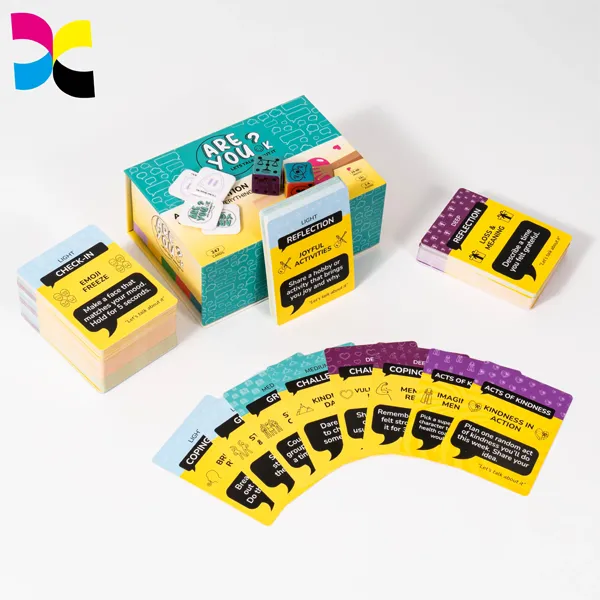
Some cards in this category include reflection prompts or cognitive reframing exercises rather than simple statements alone. A soothing, neutral color palette and highly readable typography can help avoid unnecessary visual stimulation.
Practical considerations also matter to therapists and educators. These decks are often supplied as printable PDFs with multiple cards per page, making them easier to print and use during sessions.
Combining Design With Printing Techniques
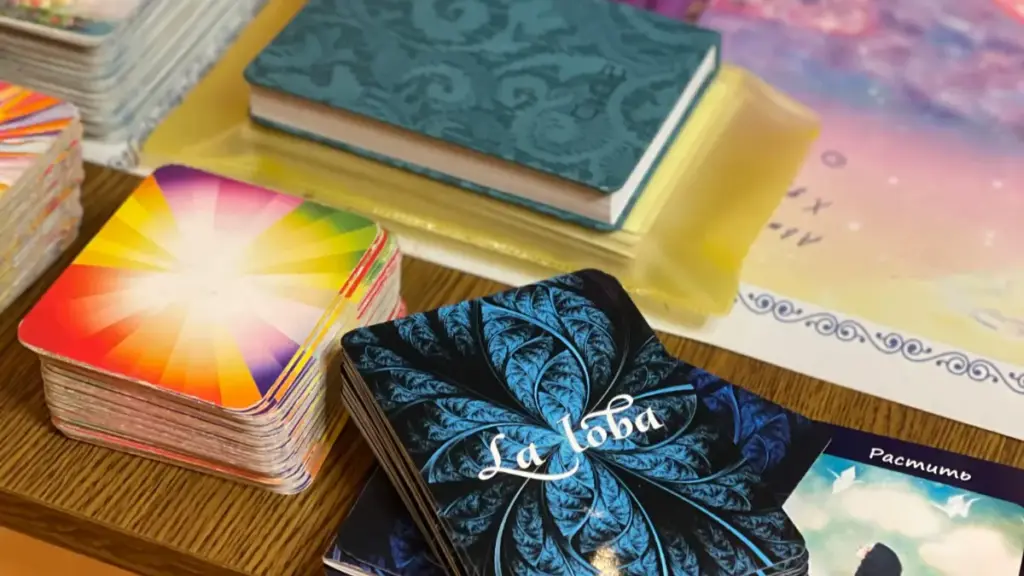
Aligning visual design with the technical realities of printing ensures your affirmation cards look and feel professional, 튼튼한, and intentional from screen to final product.
| Topic | Key Considerations |
|---|---|
| Choosing Card Dimensions and Materials |
|
| Preparing Artwork for Print |
|
| Optimizing Typography and Graphics for Readability |
|
| Digital Printables vs. Professionally Manufactured Decks |
|
| Applying Finishes for Durability and Feel |
|
Choosing Card Dimensions and Materials
The physical characteristics of affirmation cards affect both usability and perceived quality. 크기, cardstock weight, and surface finish should match the intended use, whether the cards will be shuffled regularly or displayed in a fixed location. Making these decisions early can help prevent costly reprints and ensure the finished product feels substantial and professional.
Dimensions: Choose a compact, portable format such as Poker size (63x88mm), or a taller, display-oriented size such as 70x120mm. The right option depends on whether users will carry the deck or place the cards on a desk or altar.
Cardstock Weight: For DIY printables, 250–300 gsm cardstock provides good sturdiness. For professionally manufactured decks, 300–400 gsm is the standard for a premium feel. For double-sided designs, use black core stock to prevent text from showing through.
표면 마감: Match the finish to the emotional tone of the design. Matte finishes reduce glare and suit calm, minimalist themes. Gloss coating makes vibrant colors stand out, while uncoated stock supports a natural, handcrafted look and allows users to write on the cards.
Your material choice affects both the look and feel of the finished deck. For a more detailed comparison, see our guide to paper types and finishes for affirmation cards.
Preparing Artwork for Print
Correct file preparation is essential for a high-quality print run. Small mistakes can cause color differences, 흐릿한 이미지, or important design elements to be cut off. Because professional printers work to specific production tolerances, following their technical requirements helps achieve consistent results.
Color Profile: Convert artwork from the screen-based RGB color profile to the print-standard CMYK profile. This helps reduce unexpected color shifts and makes the proof a more useful reference for the final printed color.
Resolution and Export: Export the final files as a high-resolution (300 DPI) ‘PDF Print’. This format helps preserve image quality and vector sharpness, supporting clear text and graphics on small cards.
Bleed and Safe Margin: Extend background artwork 1/8 인치 (3mm) beyond the final card edge to help prevent white edges after trimming. Keep all important text and icons within a 1/4 inch safe margin from the edge to reduce the risk of them being cut off.
Optimizing Typography and Graphics for Readability
The main purpose of an affirmation card is to communicate its message clearly and quickly. If the text is difficult to read, the card becomes less effective. Fonts, color contrast, and graphics should work together to support readability rather than compete for attention.
Font Pairing: Use a simple, readable font for the main affirmation. You can pair it with a more decorative or script font, but use the decorative style sparingly for a title or a single keyword. This adds personality without compromising clarity.
Contrast: Maintain strong contrast between the text and background. Dark text on a light background or light text on a dark background is usually a reliable choice. Avoid placing text over busy patterns without a solid color block behind it.
Font Weight: Avoid extremely thin or lightweight fonts. They may look elegant on screen but can appear faint or become difficult to read during printing, especially on textured cardstock.
Graphics: Use vector graphics, such as SVG or AI files, 로고용, 아이콘, and symbols. Unlike pixel-based images, vector graphics can be scaled without losing sharpness, helping them print clearly at different sizes.
Digital Printables vs. Professionally Manufactured Decks
The production method affects how affirmation cards should be designed. Cards intended for home printing have different file requirements from decks produced by a commercial manufacturer. Defining the production method early can reduce the need for later revisions.
For Digital Printables: Arrange multiple cards on a single US Letter or A4 sheet to make home printing more efficient. Include faint, thin cut lines to guide trimming. Although RGB files can be used for printables, exporting a flattened CMYK PDF can prepare the files for users who choose professional printing.
For Professional Manufacturing: You must provide flattened CMYK files to the printer. Finalize the card count and paper thickness early, as this determines the dimensions of the tuck box or packaging. Working with a professional printer like 신이 카드 인쇄 also gives you access to premium options like thicker cardstock, specialized coatings, 포일 스탬핑, and edge finishing.
If you’re developing a retail product rather than a printable, our guide explains how to create a branded affirmation card deck from concept through production.
Applying Finishes for Durability and Feel
The final finishing touches are what elevate a simple printed card into a durable, tactile object that users will want to interact with daily. These details not only protect the cards from wear and tear but also contribute significantly to the overall sensory experience of the deck, reinforcing its emotional purpose.
Corners and Edges: Use a corner rounder after cutting the cards. Rounded corners create a more polished appearance and help reduce bending or fraying during repeated handling. Hand-painted edges can also give the deck a customized, premium look.
보호: For decks designed for frequent use, lamination or card sleeves can help protect against moisture, 흙, and wear. This can be especially useful for cards used by children or in therapeutic settings.
Tactile Feel: Choose a coating that complements the deck’s theme. A soft-touch or velvet-like finish creates a smooth, luxurious feel and makes the cards more pleasant to hold. This tactile quality can add to the daily experience of using the deck.
Common Design Mistakes to Avoid
Most design mistakes with affirmation cards are predictable. They stem from poor typography, cluttered layouts, or a fuzzy strategy. Getting these fundamentals right prevents common pitfalls.
Poor Typography and Message Clarity
An affirmation should be easy to read at a glance. When text is difficult to see or the visual hierarchy is unclear, users have to work harder to understand the message. Good typography makes communication easier and keeps the focus on the affirmation.
- Using too much text, which overwhelms readers and weakens the main message.
- Choosing decorative, small, or excessive fonts that make the text difficult to read.
- Failing to establish a clear visual hierarchy, allowing secondary text to compete with the main affirmation.
- Using text and background colors with insufficient contrast, making the message harder to read.
Cluttered Layouts and Inconsistent Visuals
Filling every available space with decorative elements can make a card feel crowded and distracting. This works against the calm experience many affirmation decks aim to create. Inconsistent colors, fonts, and illustration styles can also make the deck look less professional and weaken brand recognition. A simple, consistent visual system creates a more cohesive result.
- Crowding the card with too many elements and leaving too little whitespace.
- Using inconsistent colors, illustration styles, or fonts across the deck, which weakens brand identity.
- Adding unnecessary decorative borders or icons that distract from the affirmation.
- Failing to consider accessibility, which can make the cards harder for some users to use.
Ignoring Print and Production Realities
A design that looks good on screen may not translate well to print. Overlooking the physical requirements of card production can lead to cut-off text, unexpected color differences, or a finished product that feels less premium than intended.
- Designing without considering the final card dimensions, which can make text or images too small or cause them to be cut off.
- Forgetting to include the correct bleed and trim margins for professional printing.
- Skipping a physical print proof to check color accuracy, paper finish, and readability at the final size.
- Failing to plan for practical details, such as double-sided printing and packaging requirements, early in the process.
Lack of Clear Audience and Content Strategy
Many design problems begin before the first card is created. Without a clear audience and intended use, the result can feel generic and fail to meet users’ 필요. A corporate wellness deck, 예를 들어, has different requirements from a deck designed for spiritual practices. A clear content strategy helps keep the affirmations relevant and the overall deck consistent.
- Creating a generic design without defining the target audience or emotional goal.
- Failing to organize a multi-card deck around a clear theme or system, making the cards feel disconnected.
- Neglecting to proofread spelling, grammar, 그리고 정렬.
- Designing without first defining the intended audience and primary use case, such as personal use, 선물하기, 또는 소매.
최종 생각
While DIY design tools offer a low entry point, they cannot guarantee the premium physical product your brand deserves. Even a well-designed deck needs to meet appropriate production standards. Working with a capable manufacturer helps reduce the risk of color inaccuracies, flimsy cardstock, and an unprofessional finish that could affect your brand’s reputation.
Don’t guess on quality—verify it firsthand. We recommend starting with a sample kit to feel the difference in cardstock weight, 마치다, and color fidelity. 연락하다 신이 카드 인쇄 to discuss the OEM specifications for your unique affirmation deck. For a closer look at production planning, you can also read our guide to manufacturing custom affirmation card sets.
자주 묻는 질문
How do you design affirmation cards?
To design effective affirmation cards, align the purpose, wording, and visuals. Start by defining your theme and audience, then write short, believable affirmations in the present tense. Use readable fonts, a simple layout, and colors or images that support the message without creating clutter. 마지막으로, choose a practical size based on how the cards will be used, whether for daily carrying or display.
확인 카드의 크기는 어느 정도여야 합니까??
Affirmation cards are typically small and handheld to be portable and easy to read. Common sizes include 2.5″ x 3.5″ (similar to playing cards), 3″ x 3″ (square), and larger 4″ x 6″ formats for display. The best size depends on the intended use, such as a pocket-sized deck for daily routines or a larger card to keep on a desk.
What colors work best for affirmation cards?
The best colors for affirmation cards support the emotional tone of the message, such as calm, 동기 부여, or self-love. 부드러운, muted palettes like pastels (blues, greens, pinks) and neutrals (cream, light gray) are highly effective because they are calming and keep text readable. High-energy colors like red or bright yellow are best used sparingly as accents to avoid causing visual stress.
How do I create a card deck design?
Creating a card deck design involves defining the content, creating the visuals, and preparing files for production. This process includes clarifying the deck’s theme, writing the affirmations, choosing a card size and material, designing a cohesive look for the fronts and backs, and setting up print-ready files with correct color modes (CMYK) and bleed.
What software is used for card design?
A variety of software can be used for card design, depending on your needs. Template-based tools like Canva are great for beginners and quick designs. For professional decks intended for commercial printing, designers use suites like Adobe InDesign and Illustrator for precise layout and color control. For DIY projects, vector tools like Inkscape are often used with cutting machines.
Can manufacturers help with card design?
예, manufacturers can help with the technical aspects of card design. They typically provide design templates, die-lines for boxes, and guidance on print-ready file setup (like CMYK color and bleed). They can also advise on the best cardstock, 완료, 및 포장 옵션. 하지만, they do not usually assist with the creative content, such as writing the affirmations or creating the brand concept.